3D Product Configurators: What They Are, Who Needs One and How They Are Built
What a 3D product configurator is, which businesses benefit, how one is planned and built, how it connects to your cart or quote form, and mistakes to avoid.

Quick answer
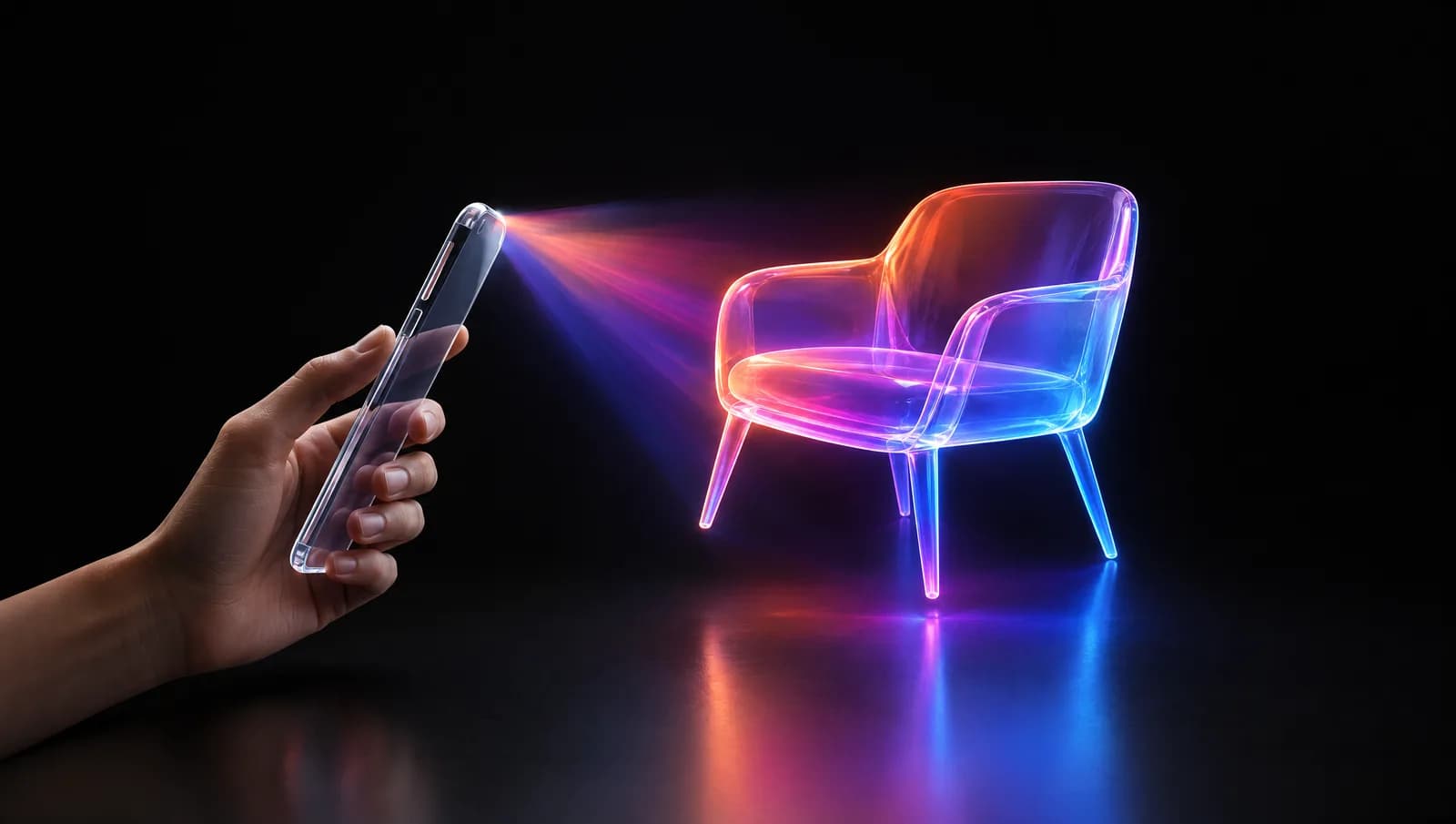
A 3D product configurator lets customers customise a product online, choosing options such as colour, material, size or components, and see an accurate 3D model update in real time. It suits products with many variations, like furniture, kitchens, jewellery, vehicles and machinery. Building one means defining the options and rules, creating optimised 3D models and materials, building the viewer and logic, and connecting it to your cart, quote form or CRM.
If your product comes in dozens of colours, fabrics, sizes or modules, photographing every combination is impossible. Customers are left guessing what their version will look like, and your sales team spends hours sending renders back and forth. A 3D product configurator solves that: the customer chooses, the model updates instantly, and everyone sees exactly what is being ordered.
This guide explains what a configurator is, who it suits, and how one is planned and built.
What is a 3D product configurator?
A configurator is an interactive tool on your website where customers:
- Choose options: colour, material, finish, size, components, accessories
- See a real-time 3D model update with each choice
- Rotate and zoom to inspect it from any angle
- Often see the product in their own space through AR
- Add the configured product to the cart, request a quote or save and share it
Because the model is rendered live, every combination is possible without photographing a single one.
Which businesses benefit most?
| Industry | Example options |
|---|---|
| Furniture and upholstery | Fabric, leg finish, size, cushion firmness |
| Modular kitchens and wardrobes | Layout, shutter finish, handles, internal fittings |
| Jewellery | Metal, stone shape and size, setting, engraving |
| Bikes, vehicles and accessories | Colour, wheels, seats, add-ons |
| Eyewear | Frame shape, colour, lens type |
| Industrial machinery | Modules, sizes, attachments, layouts |
| Packaging | Box style, colours, finishes, artwork placement |
| Real estate and interiors | Flooring, wall finishes, fixtures |
The common thread: many combinations, and a customer who needs to see their choice before committing.
What a configurator does for the business
- Fewer back-and-forth messages. Customers explore options themselves.
- Fewer surprises at delivery. What they saw is what they ordered.
- Better quotes for custom products. Sales receives a precise configuration instead of a vague request.
- Insight into demand. Which options people try and choose tells you what to stock and promote.
- A premium experience that sets the brand apart.
How a configurator is planned and built
Step 1: Define options and rules
List every option, every value and every rule. For example: "Fabric X is not available in the three-seater", "Glass shelves only with aluminium frames". These rules prevent customers from configuring something you cannot make. Decide what changes as options change, such as delivery time or the quote details shown.
Step 2: Create the 3D models
Models are built from CAD files, drawings or photographs of the product. For a configurator, they must be:
- Accurate to real dimensions
- Modular, so parts can be swapped
- Optimised for real-time display, with sensible polygon counts and texture sizes
Our guide to GLB and USDZ 3D models for the web explains formats and optimisation.
Step 3: Build the material library
Realistic materials make or break a configurator. Each fabric, wood, metal or finish needs textures and settings that look right under the viewer's lighting. Photograph or scan real swatches where accuracy matters.
Step 4: Build the viewer and logic
The viewer is usually built with web 3D technology such as three.js, Babylon.js or Google's open-source model-viewer, which supports switching material variants. The logic connects options to the model, applies your rules and updates the interface.
Step 5: Connect it to sales
- E-commerce: the configured product goes into the cart with all options recorded.
- Custom or B2B products: a quote request form sends the full configuration, a screenshot and the customer's details to sales or your CRM.
- Save and share: customers can share a link to their design with family or colleagues before deciding.
Step 6: Optimise for performance
- Load a light version first, then higher detail.
- Compress models and textures.
- Test on mid-range Android phones, not only the latest iPhone.
- Provide a still image fallback for devices that cannot display 3D.
Step 7: Measure
Track how many visitors open the configurator, which options they try, how many complete a configuration and how many add to cart or request a quote. Compare conversion with visitors who do not use it.
Pre-rendered vs real-time configurators
| Approach | How it works | Best when |
|---|---|---|
| Real-time 3D | The model renders live in the browser | Many combinations, rotation and AR matter |
| Pre-rendered images | Every combination is rendered in advance as images | Few combinations, highest photo-realism needed |
| Hybrid | Real-time for exploring, high-quality renders on request | Premium products where both matter |
Common configurator mistakes
- Too many options shown at once, overwhelming customers
- Missing rules, allowing combinations that cannot be made
- Heavy models that load slowly on phones
- Materials that look different from the real product
- No clear next step after configuring
- Not recording the configuration properly in the cart or quote
Questions to answer before you start
Prepare answers to these before speaking to a 3D team. They shape the scope more than anything else:
- How many products, and how many options per product?
- Do you have CAD files or technical drawings, or will models be built from photos?
- Which materials and finishes must look photo-real, and do you have physical swatches?
- Where does the configuration go next: cart, quote form, CRM, production team?
- Does it need to work in AR, on the website only, or in a showroom on a tablet too?
- Who will add new options or products later, and how often?
Is a configurator right for you?
Ask three questions: Do customers regularly ask what a specific combination looks like? Do sales spend time creating previews by hand? Do returns or disputes come from mismatched expectations? If the answer to any is yes, a configurator is worth exploring.
For the basics of 3D visuals, see 3D product rendering vs photography, and to put configured products in customers' rooms, read augmented reality for e-commerce. If you would like to explore a configurator for your products, our 3D rendering and animation team builds models, materials and interactive viewers.
Work with us
3D Production from The Coral Flow
Get a free 3D concept. Share your product. We send back a quick concept of how it could look in a 3D campaign.
Frequently asked questions
What is the difference between a 3D configurator and a product customiser?
A product customiser can be as simple as swapping photos when you choose a colour. A 3D configurator renders the product in real time, so customers can rotate, zoom and see every combination, even ones never photographed.
Which products suit a 3D configurator?
Products with many combinations or custom specifications: furniture and upholstery, modular kitchens and wardrobes, jewellery, bikes and vehicles, eyewear, industrial machinery and packaging.
Do 3D configurators work on mobile?
Yes, if the models and textures are optimised. Modern phones handle real-time 3D well, but heavy models or huge textures will load slowly or crash on older devices.
Can a configurator connect to AR?
Yes. The same 3D model can often be placed in the customer's room through augmented reality, so they see the chosen configuration at real size.
Written by
Parves, Founder and Creative Director
Leads strategy and creative direction at The Coral Flow in Chennai, across web, search and content for brands in India and abroad.