Augmented Reality for E-commerce: Use Cases, How It Works and How to Start
How augmented reality works for e-commerce: view-in-room, virtual try-on and product demos, which products benefit, how to add AR to your store and measure it.

Quick answer
Augmented reality in e-commerce lets shoppers see products in their own space or on themselves through their phone camera, before buying. The main uses are view-in-room for furniture, decor and appliances, virtual try-on for eyewear, jewellery, cosmetics and footwear, and interactive demos for complex products. Most stores start with WebAR on product pages using optimised 3D models, so no app download is needed.
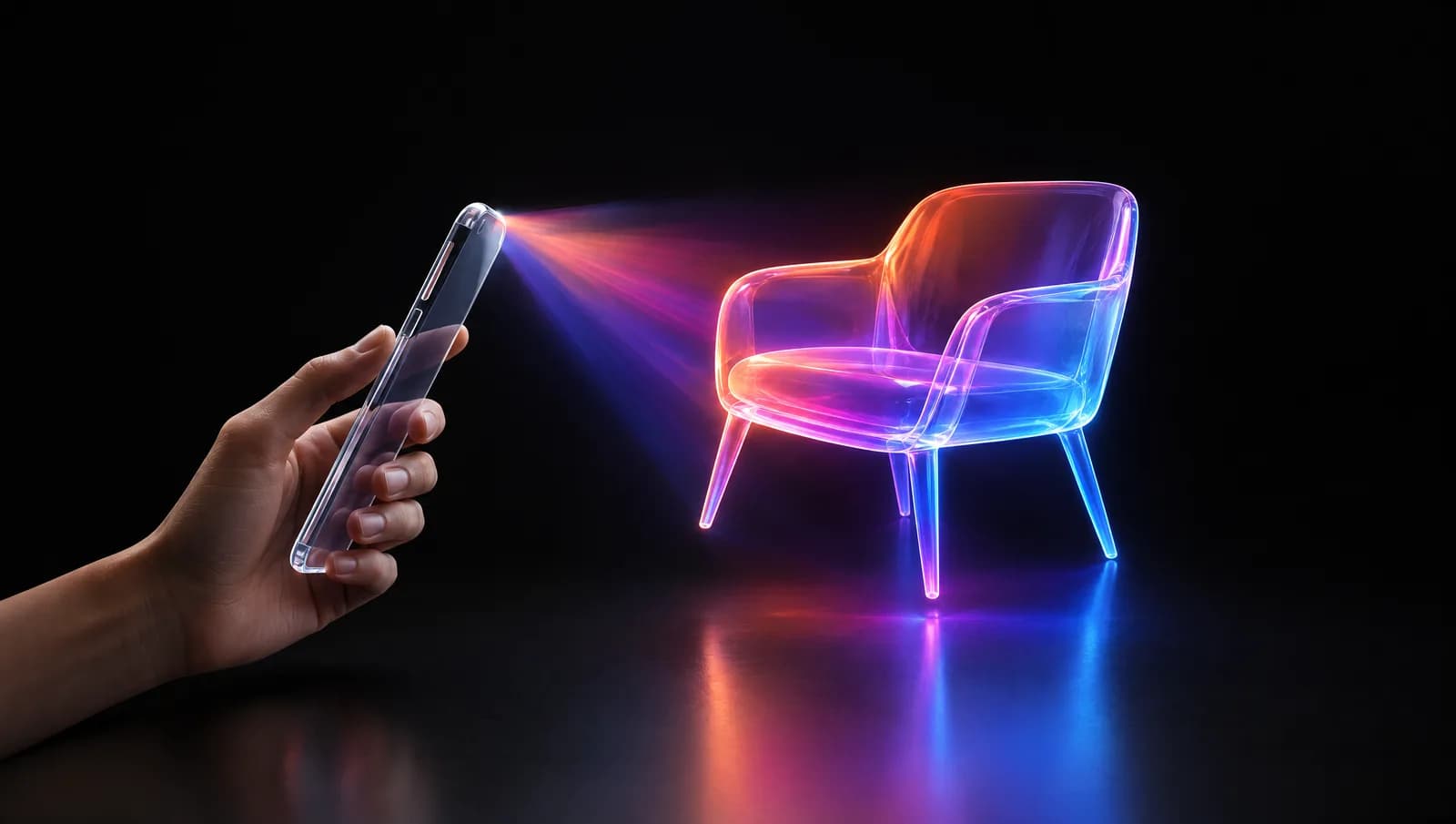
The biggest gap between shopping online and shopping in a store is uncertainty. Will this sofa fit? Will these frames suit my face? Is this lamp the right size for the table? Augmented reality closes that gap by letting shoppers see the product in their own space, or on themselves, through their phone camera before they buy.
This guide explains the main uses of augmented reality in e-commerce, which products benefit, and how to add AR to an online store step by step.
What is AR in e-commerce?
Augmented reality overlays a digital object on the real world through a phone camera. In e-commerce, that means:
- View in your room: a true-to-size 3D model of a product placed in the shopper's space
- Virtual try-on: glasses, jewellery, make-up or shoes shown on the shopper's face, hands or feet
- Interactive demos: a product that opens, unfolds or animates to show how it works
Unlike virtual reality, AR needs no headset. A phone is enough.
Which products benefit most?
| Category | AR use | Why it helps |
|---|---|---|
| Furniture and decor | View in room | Size, proportion and style in the actual space |
| Lighting and appliances | View in room | Fit on counters, walls and floors |
| Art and wall decor | View on wall | Scale and how it looks with existing decor |
| Eyewear | Face try-on | Shape and fit with the shopper's face |
| Jewellery and watches | Try-on on hand or wrist | Size and style |
| Cosmetics | Face try-on | Shades on the shopper's own skin tone |
| Footwear | Foot try-on | Style and colour |
| Machinery and equipment | View in space, animated demo | Footprint and how it works |
| Packaging and FMCG | Interactive packs, AR on scan | Engagement and product information |
If shoppers regularly ask about size, fit or "how will it look", AR is worth testing.
How shoppers use AR on a product page
- The shopper opens a product page and sees a 3D model they can rotate.
- They tap View in your room (or Try on).
- The phone's camera opens and the product appears at real size.
- They move around it, resize the room view, take a screenshot or share it.
- They return to the page and add to cart.
On most phones this works through WebAR, without installing anything.
Step 1: Choose your starting products
Do not convert your whole catalogue at once. Start with:
- Bestsellers in categories where size or fit matters
- Products with high return rates due to "not as expected"
- Premium products where confidence matters most
Ten to twenty well-chosen products are enough to test the impact.
Step 2: Create accurate 3D models
AR depends entirely on model quality. Models can be created from CAD files, product drawings or photographs, and must be:
- True to size, modelled in real-world units
- Accurate in colour and material, so the product arriving matches what was shown
- Optimised to load quickly on mobile data
You will need two formats: GLB for the web and Android, and USDZ for iPhone and iPad. Our guide to GLB vs USDZ explains how to prepare both.
Step 3: Add AR to your store
| Store | How to add AR |
|---|---|
| Shopify | Upload 3D models as product media; many themes show a 3D viewer and AR button on supported phones |
| WooCommerce and other platforms | Use a 3D and AR plugin, or embed a web viewer such as Google's model-viewer |
| Custom stores | Add a web viewer component with GLB and USDZ files to product templates |
| Virtual try-on | Usually a specialised try-on technology for faces, hands or feet, integrated into product pages |
Place the 3D viewer near the product photos, and make the AR button visible on mobile.
Step 4: Make it obvious and easy
- Label the button clearly: View in your room or Try it on.
- Show a short animation or icon so shoppers know what it does.
- Mention it in product photos and ads: "See it in your space before you buy."
- Keep a normal photo gallery for shoppers who do not use AR.
Step 5: Measure the impact
Track:
- AR usage rate: how many product page visitors open AR
- Conversion rate for shoppers who used AR compared with those who did not
- Return rate for orders where AR was used
- Time on page and add-to-cart rate
Run the comparison over enough orders to be meaningful, then decide whether to expand AR to more products.
A 60-day AR pilot plan
| Days | What to do |
|---|---|
| 1 to 15 | Pick 10 to 20 products; gather dimensions, CAD files or photos; agree how AR usage will be tracked |
| 16 to 35 | Create and optimise the 3D models; test scale and materials on Android and iPhone |
| 36 to 40 | Add viewers and AR buttons to the product pages; check page speed |
| 41 to 60 | Promote the feature in ads and social; compare conversion and returns for AR users with other shoppers |
At the end of the pilot, you will know whether AR changes buying behaviour for your products, and which categories to extend it to.
Beyond product pages
- Social AR: filters and effects on Instagram and Snapchat let people try products or play with brand experiences.
- AR on packaging: a QR code or pack scan opens recipes, assembly guides or brand stories.
- Retail and events: AR experiences at stores and exhibitions that connect to online shopping.
Our guide to WebAR for brands covers campaign-style AR experiences.
Common mistakes
- Low-quality models that look fake and reduce trust
- Wrong scale, so products look too big or too small in the room
- Huge files that take too long to load
- Hiding the AR button where mobile shoppers never see it
- Launching across the whole catalogue before testing with a few products
- Not measuring, so nobody knows whether it helped
AR works best alongside great photography and clear product pages. See our product page best practices and 3D product configurators for related ideas. If you would like to explore AR for your store, our AR and VR development team creates 3D models and AR experiences for brands across India.
Work with us
AR / VR Development from The Coral Flow
Get a free AR idea session. Tell us about your product or space. We send back three immersive ideas tailored to your goals.
Frequently asked questions
Do customers need to download an app to use AR?
Not for WebAR. On product pages, a 'View in your room' button opens AR directly through the phone's browser or built-in viewer on supported Android phones and iPhones.
Which products benefit most from AR?
Products where size, fit or appearance in context drives the decision: furniture, decor, lighting, appliances, art, eyewear, jewellery, watches, cosmetics and footwear.
Does AR reduce returns?
It can, when returns are caused by wrong size or a product looking different in the space. Measure it yourself by comparing return rates for orders where shoppers used AR with those where they did not.
What do I need to start with AR?
Accurate, optimised 3D models of your products in GLB and USDZ formats, a way to display them on product pages (a platform feature or a web viewer), and tracking to measure usage and results.
Written by
Parves, Founder and Creative Director
Leads strategy and creative direction at The Coral Flow in Chennai, across web, search and content for brands in India and abroad.