How to Do a Social Media Audit in 7 Steps (Free Template Included)
Run a social media audit in an afternoon: list every account, check profiles, find your best posts, compare competitors, check leads and set a 90-day fix plan.

Quick answer
A social media audit is a structured review of every account your business runs: who owns it, whether the profile is complete and consistent, which content actually performs, how you compare with competitors, and whether social brings enquiries. Do it every six months, record the findings in one sheet, and turn them into a short list of changes for the next 90 days.
Most businesses post on social media every week without ever stepping back to ask whether it is working. A social media audit is that step back. In an afternoon, you find out which accounts are worth your time, what your audience actually responds to and whether any of it brings customers.
Here is the seven-step audit we run when a new client joins us, with a template you can copy into a spreadsheet.
What you need
- Admin access to every account (Instagram, Facebook, LinkedIn, YouTube, X, Pinterest and any others)
- Access to Meta Business Suite and Instagram's professional dashboard
- Google Analytics, to see visits and enquiries from social
- A spreadsheet with one tab per step below
Step 1: List every account and who owns it
Search your brand name on each platform. You will often find forgotten accounts: an old Facebook page from 2016, a YouTube channel created by a former employee, a LinkedIn page nobody updates.
| Platform | Handle | URL | Who has admin access | Followers | Last post | Keep, fix or close |
|---|---|---|---|---|---|---|
| YouTube |
Ownership matters. Every account should be owned by a business email and the business's Meta Business portfolio, with staff and agencies given access, not ownership. If a former freelancer is the only admin, fix that first.
Step 2: Check every profile is complete and consistent
For each account you keep, check:
- Name and handle are the same, or as close as possible, across platforms
- Profile picture is your current logo, sized correctly
- Bio says what you do, for whom, and where, in plain words
- Link goes to a relevant page and is tagged with UTM parameters, so you can track it. See our UTM parameters guide
- Contact options are set: phone, email, WhatsApp, address for local businesses
- Category is correct on business profiles
- Highlights or featured sections are current, not last year's offers
Inconsistency confuses customers and looks careless. Our social media image sizes guide lists the right dimensions for profile pictures and covers.
Step 3: Find what actually performs
Export or list the last 90 days of posts. In Instagram's professional dashboard and Meta Business Suite, you can see each post's reach, likes, comments, saves and shares.
Record for each post:
| Post | Format | Topic | Reach | Non-follower reach | Saves | Shares | Profile visits | Link clicks |
|---|
Then sort and look for patterns:
- Which formats reach the most people? Reels, carousels, single images, stories.
- Which topics get saved and shared? Saves mean "useful"; shares mean "my friends need this". Both matter more than likes.
- Which posts reach non-followers? That is how accounts grow.
- Which posts lead to profile visits and link clicks? These are closest to business.
Write down your top five and bottom five posts and what makes them different. That single comparison usually tells you more than any report.
Step 4: Check whether social brings business
Engagement is not the goal. Enquiries are.
- In Google Analytics, check visits and key events from social sources over the last 90 days. If you have not set up key events, follow our GA4 setup guide.
- Count DMs and WhatsApp chats that started from social, and how many became customers.
- Ask new customers how they heard about you, and record it.
If social brings attention but no enquiries, the problem is usually the call to action, the profile link or the follow-up, not the content.
Step 5: Compare with three competitors
Pick three competitors, including one you admire. For each, note:
- Posting frequency and formats
- The topics that get the most engagement
- How they show proof: reviews, case studies, before-and-after
- What they do that you do not, and what they do badly
You are not copying them. You are looking for gaps: questions nobody in your industry answers well, formats nobody uses, a tone nobody owns.
Step 6: Review the content mix and voice
Read your last 30 posts in one go. Ask:
- Would a new follower understand what you do from these posts alone?
- Is there a mix of education, proof, behind-the-scenes and offers, or is it mostly promotions?
- Does it sound like one brand, or like whoever was posting that week?
- Are the visuals consistent with your brand guidelines? If you do not have any, our brand guidelines guide explains what to include.
Step 7: Turn findings into a 90-day plan
An audit is only useful if it changes something. End with no more than five actions:
| Finding | Action | Owner | By when |
|---|---|---|---|
| Reels reach 4x more non-followers than images | Make Reels at least half of all posts | Content lead | This month |
| Bio link goes to the homepage | Link to a page built for social visitors, with UTM tags | Marketing | This week |
| No posts show client results | Add one case study post every two weeks | Founder | Ongoing |
Plan the next 90 days of posts in a social media content calendar, and if Reels are the gap, our Instagram Reels ideas for business are a good starting point.
What changes after a good audit
For 77 Fitness Studio, a Chennai gym, the content plan centred on what clearly worked for a fitness audience: high-energy cinematic promos and educational Reels.
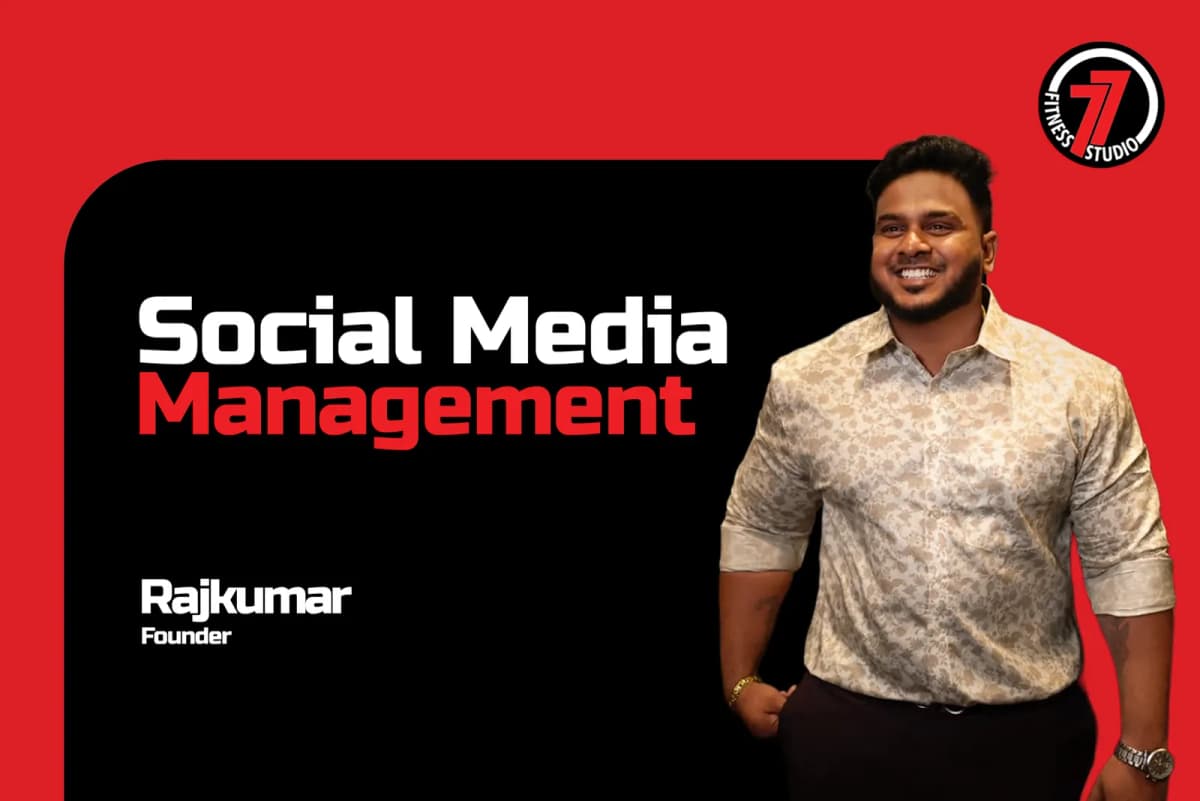
The studio reached 10 lakh+ people and built 11,000+ followers organically, with monthly views rising from 10,000 to over 1 lakh. You can read the full 77 Fitness Studio case study.
Every account is different, but the process is the same: find what works, do more of it, and connect it to enquiries.
A one-page audit checklist
- Every account listed, owned by the business, with correct admin access
- Profiles complete and consistent, with tracked links
- Top and bottom five posts identified and compared
- Social enquiries measured, not guessed
- Three competitors reviewed for gaps
- Content mix and voice checked against brand guidelines
- Five actions with owners and dates
If you would like an expert audit of your accounts and a plan to grow them, our social media marketing team runs audits as the first step of every engagement. Our guide to an Instagram marketing strategy is a good next read.
Work with us
Social Media Marketing from The Coral Flow
Get a free Instagram audit. Send your handle. You get a short video review of your profile, content and hooks, with three changes to make this month.
Frequently asked questions
How often should I audit my social media?
A full audit every six months, plus a quick monthly check of your numbers. Audit straight away if you are changing agencies, rebranding or launching something big.
What metrics matter most in a social media audit?
Reach and how much of it comes from non-followers, saves and shares per post, profile visits and link clicks, and enquiries or sales that came from social. Follower count alone tells you little.
Can I do a social media audit for free?
Yes. Instagram's professional dashboard, Meta Business Suite, LinkedIn page analytics and YouTube Studio give you everything you need. A spreadsheet holds the results.
What should I do with old, low-quality posts?
Leave most of them. Archive only posts that are off-brand, outdated in a misleading way, or that show offers or information that is no longer true.
Written by
Parves, Founder and Creative Director
Leads strategy and creative direction at The Coral Flow in Chennai, across web, search and content for brands in India and abroad.